%20(4)-1.png?width=1950&height=299&name=Cybaverse%202024%20White%20new%20(2)%20(4)-1.png)
Download the Qualys Package
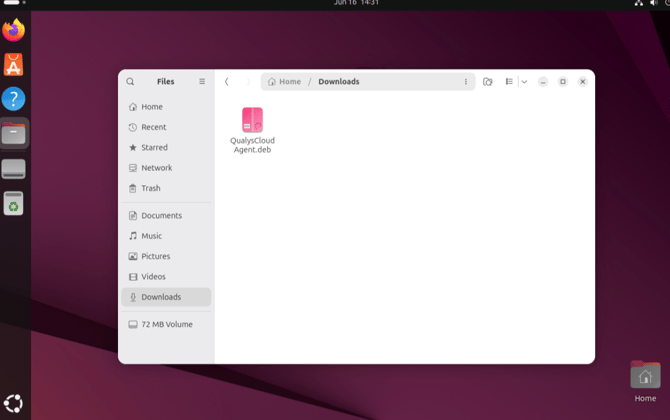
Ensure the Qualys installation package is saved in your Downloads folder.
Open a Terminal in the Downloads Folder
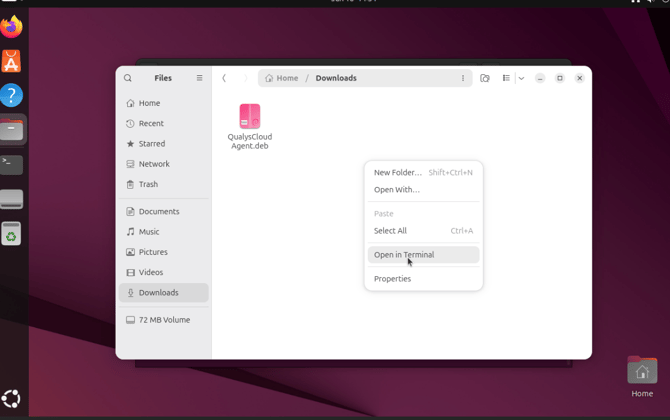
Right-click anywhere in the white space within the Downloads folder and select “Open in Terminal”.
Provision the Qualys Application
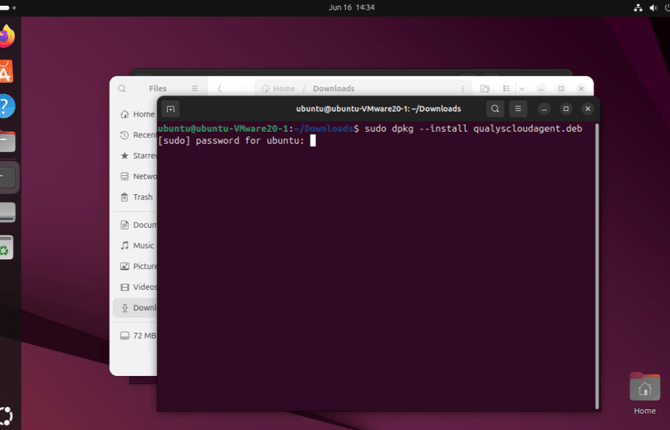
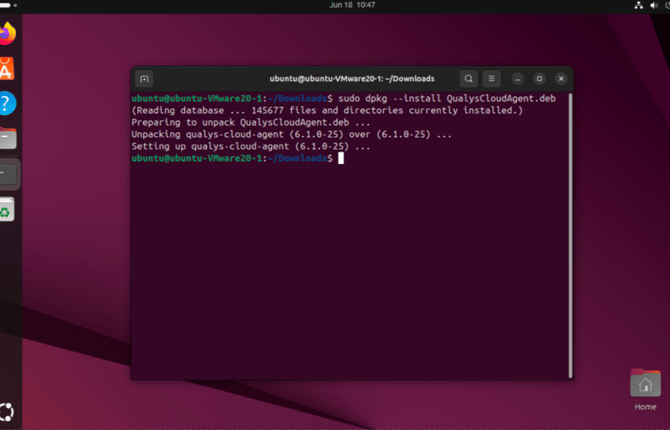
Run the first command provided to provision the Qualys agent in your Linux environment.
This will always be sudo dpkg –install QualysCloudAgent.*.
Depending on your linux architecture, the asterix will be replaced with the corresponding file extension, for example, .deb or .rpm
Enroll the Cloud Agent
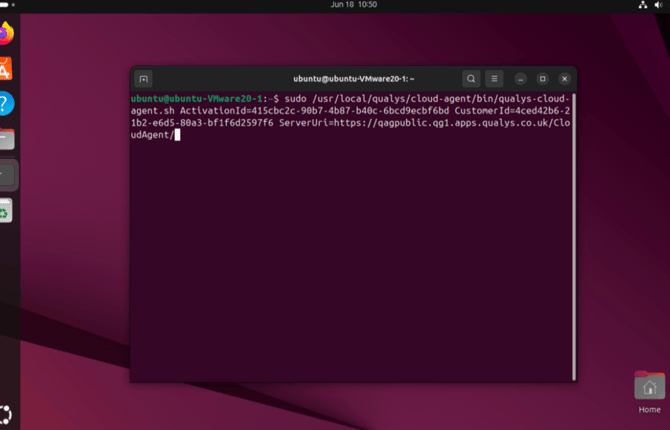
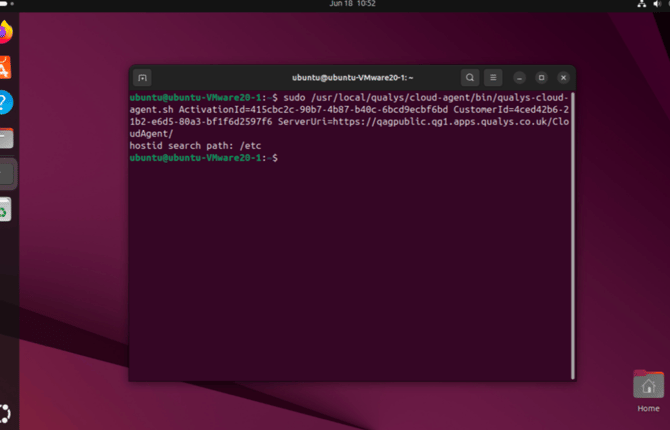
Run the second command to enrol the Cloud Agent with the Qualys platform.
The second command is found in your platform page under Internal Targets.
Verify the Installation
To confirm that Qualys has been installed correctly:
- Navigate to: /var/log/qualys/localhealthcheck
- Open the health check file and verify that:
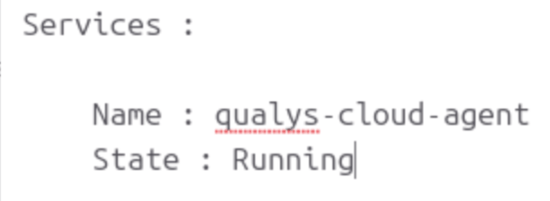
- The Cloud Agent is running
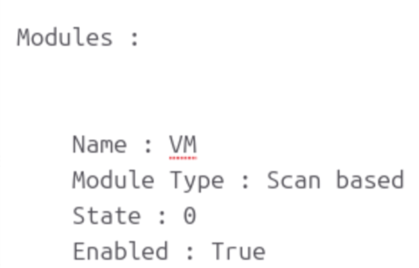
- The VM (Vulnerability Management) module is enabled