%20(4)-1.png?width=1950&height=299&name=Cybaverse%202024%20White%20new%20(2)%20(4)-1.png)
Open the Admin Panel
Select the Customer
- From your dashboard, go to the Admin Panel
- Locate your Customer List
Select the Customer
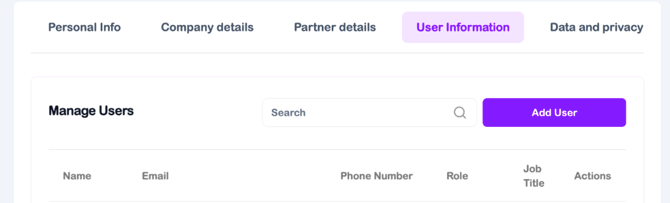
- Find the company you’d like to add the user to
- Click Add User next to the relevant customer
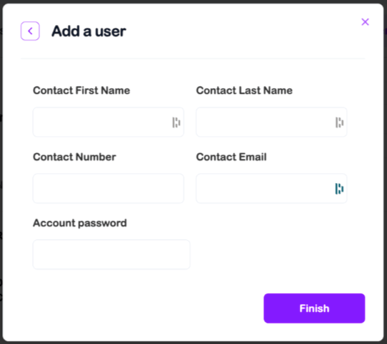
Enter User Details
- Fill in the new user’s information as prompted
- Once submitted, the platform will automatically send them a sign-up email
Important:
The sign-up email includes a verification link that expires in 72 hours. Make sure the user completes their registration within this time.
- If the user misses the 72-hour window, don’t worry
- Simply contact your account manager to request a new verification link