%20(4)-1.png?width=1950&height=299&name=Cybaverse%202024%20White%20new%20(2)%20(4)-1.png)
Changes will only be authorised if they meet specific criteria. Valid reasons for requesting a change include:
- A staff member is on long-term leave (e.g. maternity or emergency leave)
- A staff member has left the company and the device is no longer accessible
To request a change, simply click the “Request Change” button on the Internal Targets page within the CE+ module, as shown below.
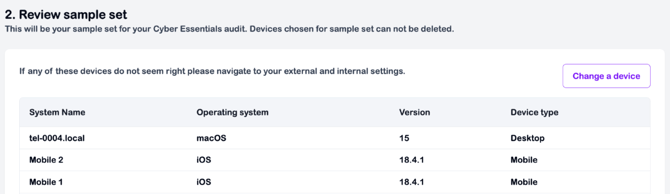
Please note: Submitting a request will notify your assessor, but the device(s) will still remain visible on the page.